Skip to content
Home
Privacy Policy
CSA
CSA Expert Update
Utilities
CSA Hard-lock Identifier
Ease of Use
Multi-lingual
Commitment
Recommendation
Technical Bulletin
Emergency Plan
AML
How does it work?
Main Functions
Access Security
Client and Entity Review
Sanction Check
AML Download
PEP Check
Seminar Schedule
Seminar on AML
PEP Search
Wanted/Fugitive Search
Frequently Asked Questions
CPA
Executive Summary
System Flow
Timesheet and Billing
Job Assignment
HR
Financial Accounting
CRM
Service Center
System Security
FAQ
ASCAN
Newsletter
Contact Us
Join Us
×
Home
Privacy Policy
CSA
CSA Expert Update
Utilities
CSA Hard-lock Identifier
Ease of Use
Multi-lingual
Commitment
Recommendation
Technical Bulletin
Emergency Plan
AML
How does it work?
Main Functions
Access Security
Client and Entity Review
Sanction Check
AML Download
PEP Check
Seminar Schedule
Seminar on AML
PEP Search
Wanted/Fugitive Search
Frequently Asked Questions
CPA
Executive Summary
System Flow
Timesheet and Billing
Job Assignment
HR
Financial Accounting
CRM
Service Center
System Security
FAQ
ASCAN
Newsletter
Contact Us
Join Us
Utilities
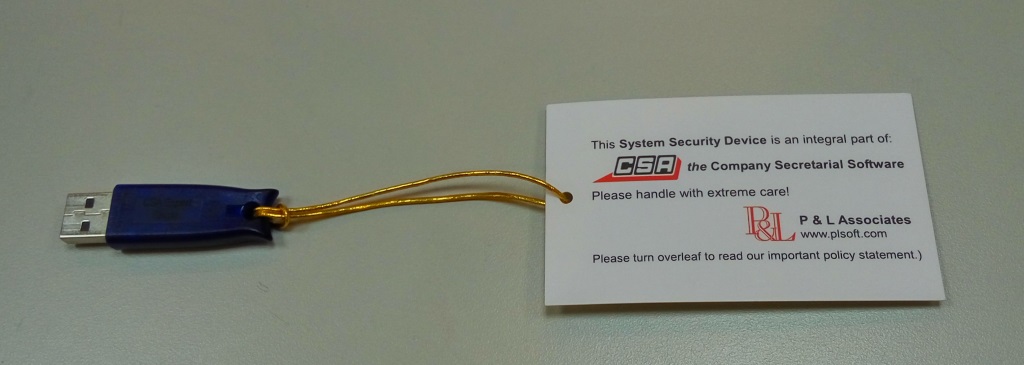
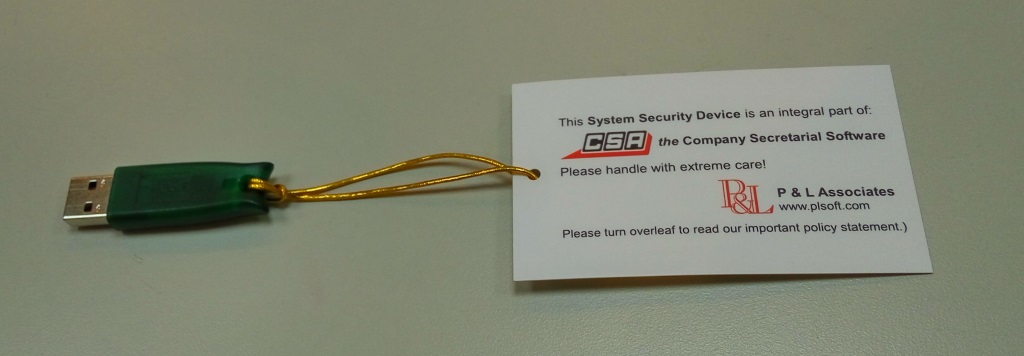
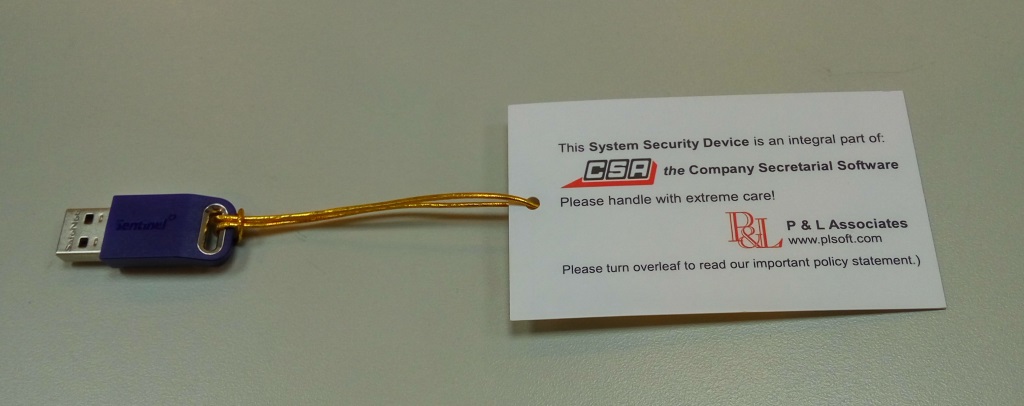
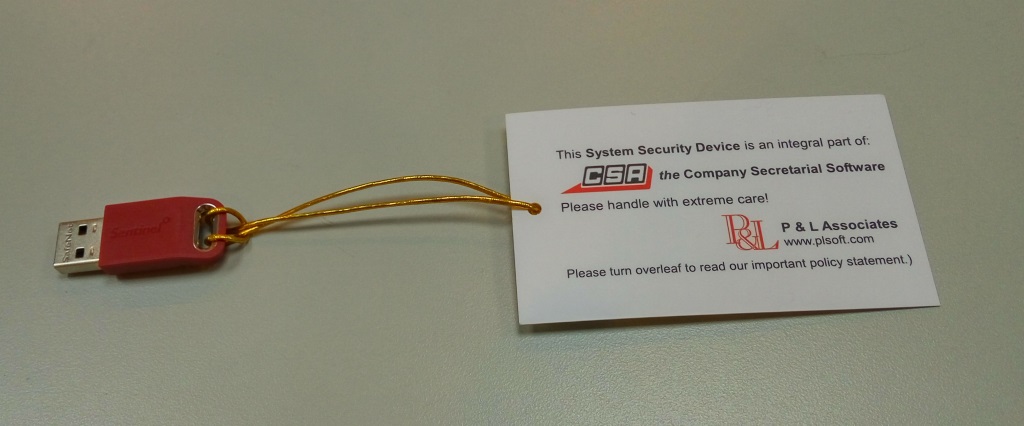
CSA uses a USB dongle as a system key called the “Hard-lock” to ensure only the legal owner of CSA can use the program.
The CSA Hard-lock Identifier (a hand-tag) should be attached to the Hard-lock
In order to identify its location and to prevent any unintentional loss.
If you loss it, you may need to buy a completely new CSA license
The pictures of the Hard-locks as listed below show you where the Identifier can be attached to.
USB Hard-lock for Single-user
USB Hard-lock for Network-user
New USB Hard-lock for Single-user
New USB Hard-lock for Network-user
Home
Privacy Policy
CSA
CSA Expert Update
Utilities
CSA Hard-lock Identifier
Ease of Use
Multi-lingual
Commitment
Recommendation
Technical Bulletin
Emergency Plan
AML
How does it work?
Main Functions
Access Security
Client and Entity Review
Sanction Check
AML Download
PEP Check
Seminar Schedule
Seminar on AML
PEP Search
Wanted/Fugitive Search
Frequently Asked Questions
CPA
Executive Summary
System Flow
Timesheet and Billing
Job Assignment
HR
Financial Accounting
CRM
Service Center
System Security
FAQ
ASCAN
Newsletter
Contact Us
Join Us
Home
Privacy Policy
CSA
CSA Expert Update
Utilities
CSA Hard-lock Identifier
Ease of Use
Multi-lingual
Commitment
Recommendation
Technical Bulletin
Emergency Plan
AML
How does it work?
Main Functions
Access Security
Client and Entity Review
Sanction Check
AML Download
PEP Check
Seminar Schedule
Seminar on AML
PEP Search
Wanted/Fugitive Search
Frequently Asked Questions
CPA
Executive Summary
System Flow
Timesheet and Billing
Job Assignment
HR
Financial Accounting
CRM
Service Center
System Security
FAQ
ASCAN
Newsletter
Contact Us
Join Us
Email:
plinfo@plsoft.com
Phone: (852) 2521-3110
Fax: (852) 2596-0101
Privacy & Terms of Use
Copyright 2025 P & L Associates. All rights reserved.
|
Powered by
Greenturtlelab